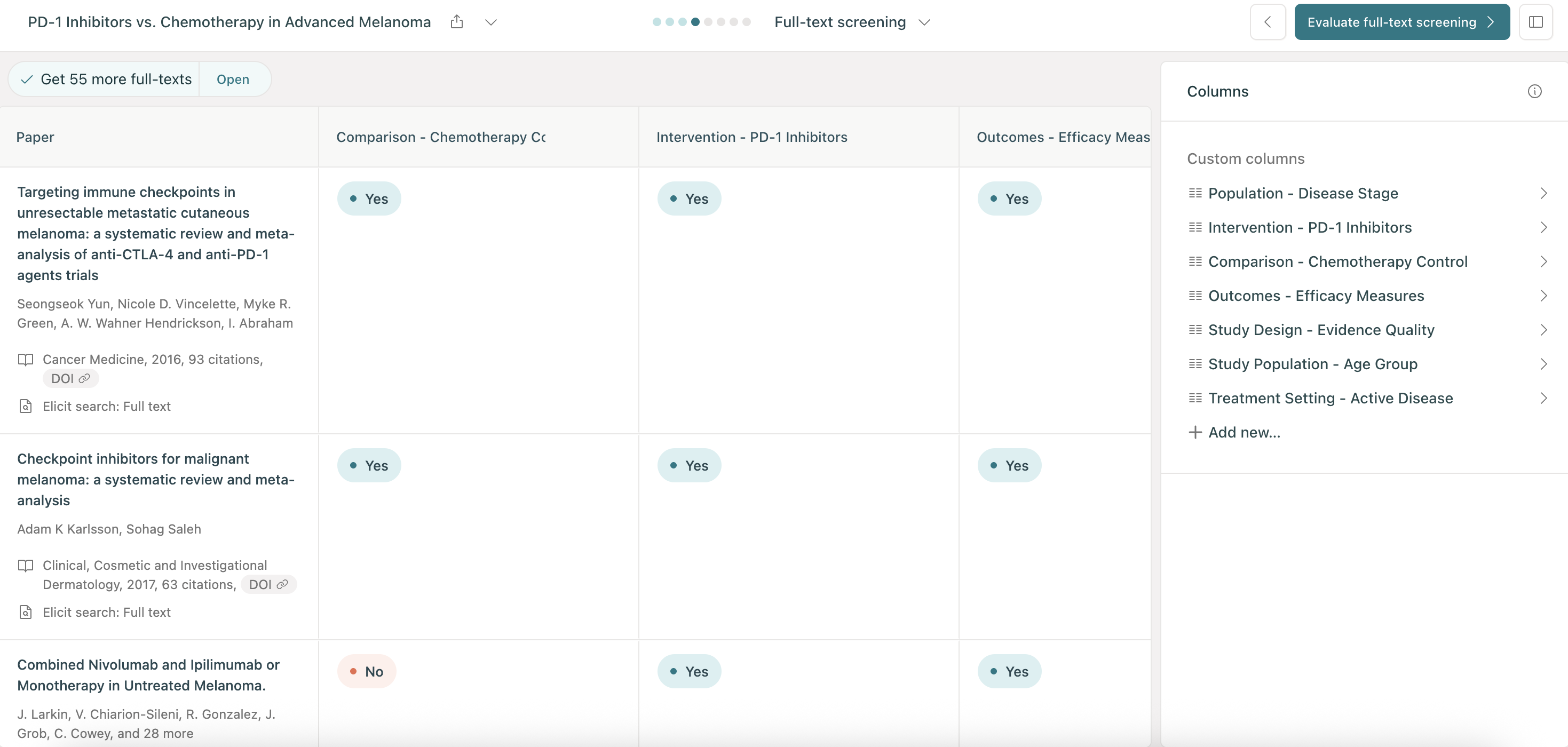
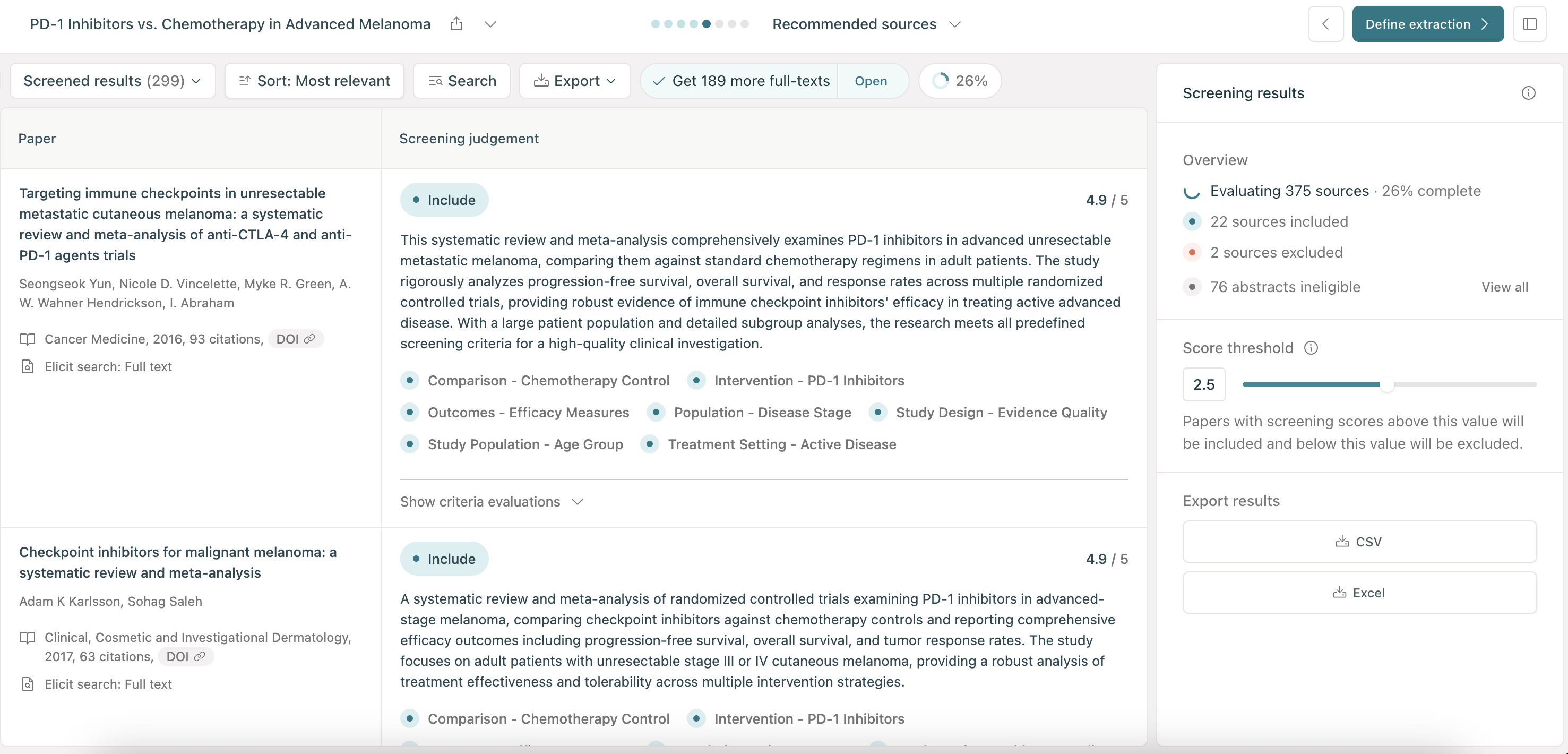
This means Elicit can now automate even more of your PRISMA-compliant reviews. You define your eligibility criteria, and Elicit applies them across the full texts of your papers.
To get started, start a Systematic Review and click on "Full-text screening" after you screen abstracts. Here's how it works:
Get your full texts automatically
Our Chrome extension uses your existing institutional access to pull full texts directly into your review. Even without institutional access, it retrieves roughly 30% more papers than Elicit alone. For the rest, you can cleanly upload PDFs. What used to take weeks of chasing down PDFs across publisher sites now happens in the background in minutes while you do other work. Download our browser extension to get started.
Screen before you extract
Some criteria genuinely require the full paper: specific population definitions, intervention details, outcome measures, study design elements that authors don't put in abstracts. Now you can screen on those criteria and see the results before committing to extraction, catching mismatches early instead of discovering them late in your review.